
Android app · English and Español
Mykin Circuit Plan
A planning app for one domestic installation at a time, built by the same company that does the work. The consumer unit's ways, the walls, the ceiling, the cable run, the test figures and the three stages of a job, kept together on the phone.
- Packagecom.mykin.circuitplan
- LanguagesEnglish, Español
- Where jobs liveOn the phone
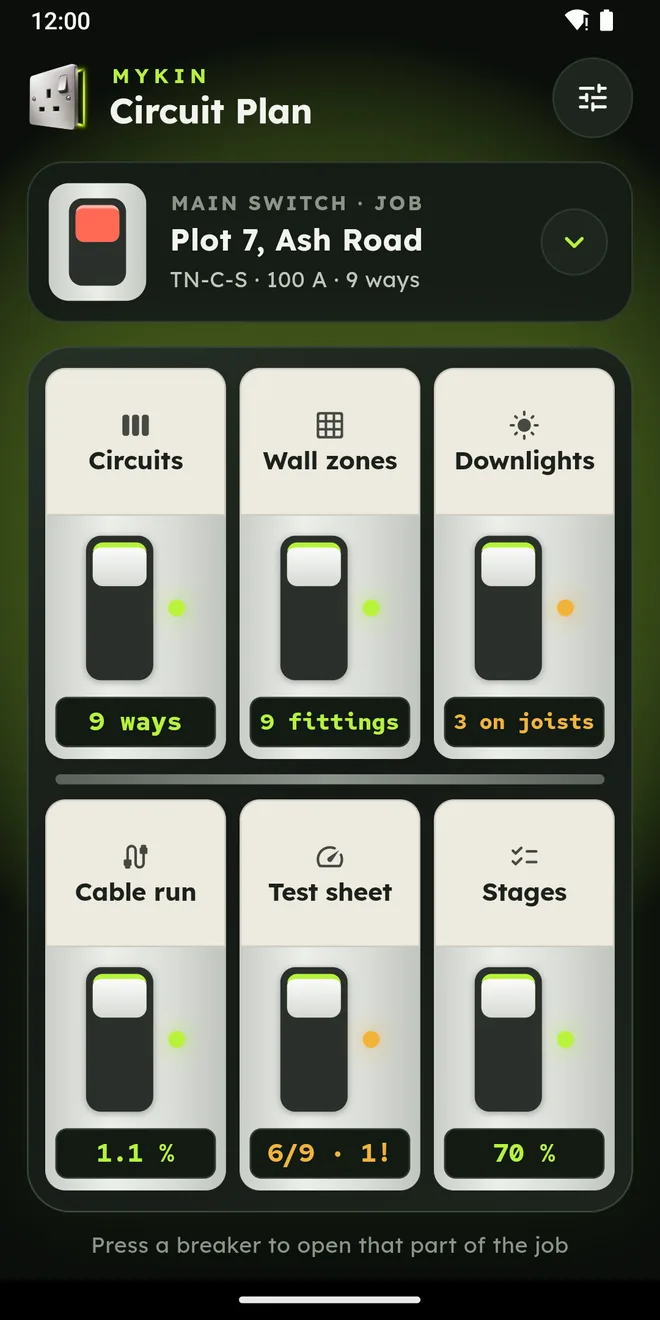
The home screen is a consumer unit
Each breaker on it opens one tool. The tools follow the same order as the work itself: plan the ways, set out the walls and the ceiling, size the runs, record the tests, tick off the stages.
-
Circuits
The ways of the consumer unit, one line each: the device protecting the circuit, its cable size, and which side of the residual current device it sits on.
-
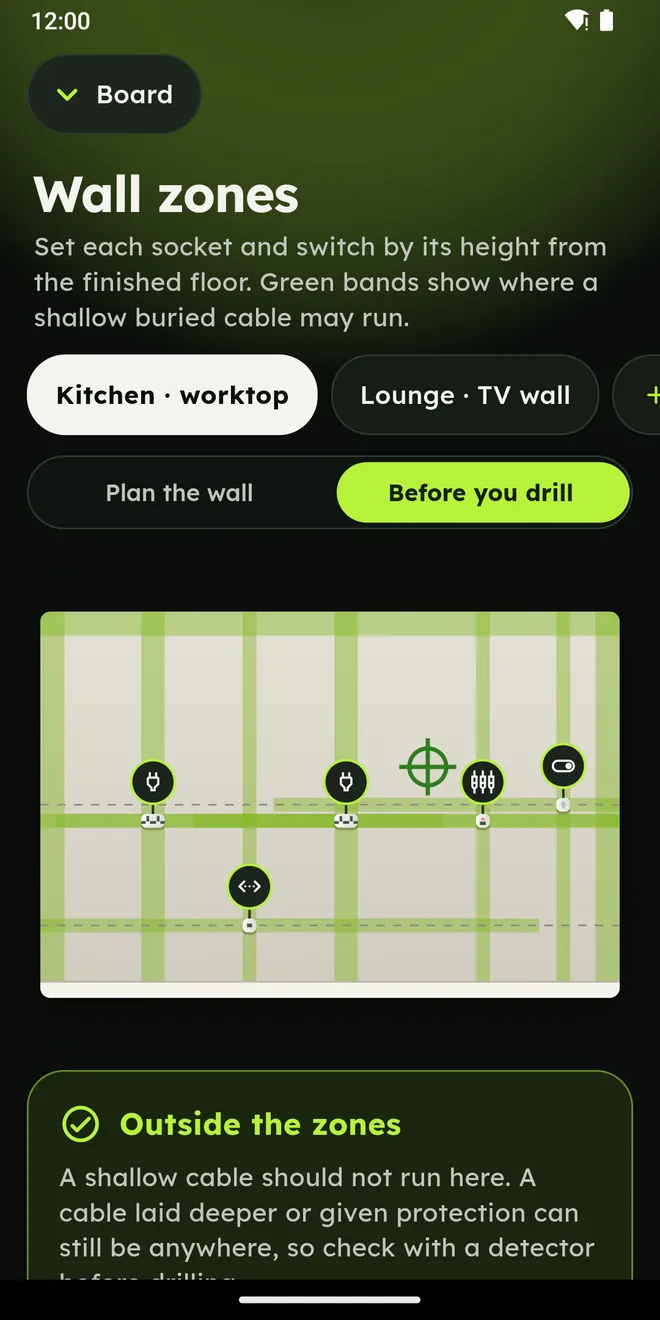
Wall zones
A wall drawn as an elevation. Sockets, switches and data points are placed by their height from the finished floor, and the zones where shallow buried cable may run are shown on the wall.
-
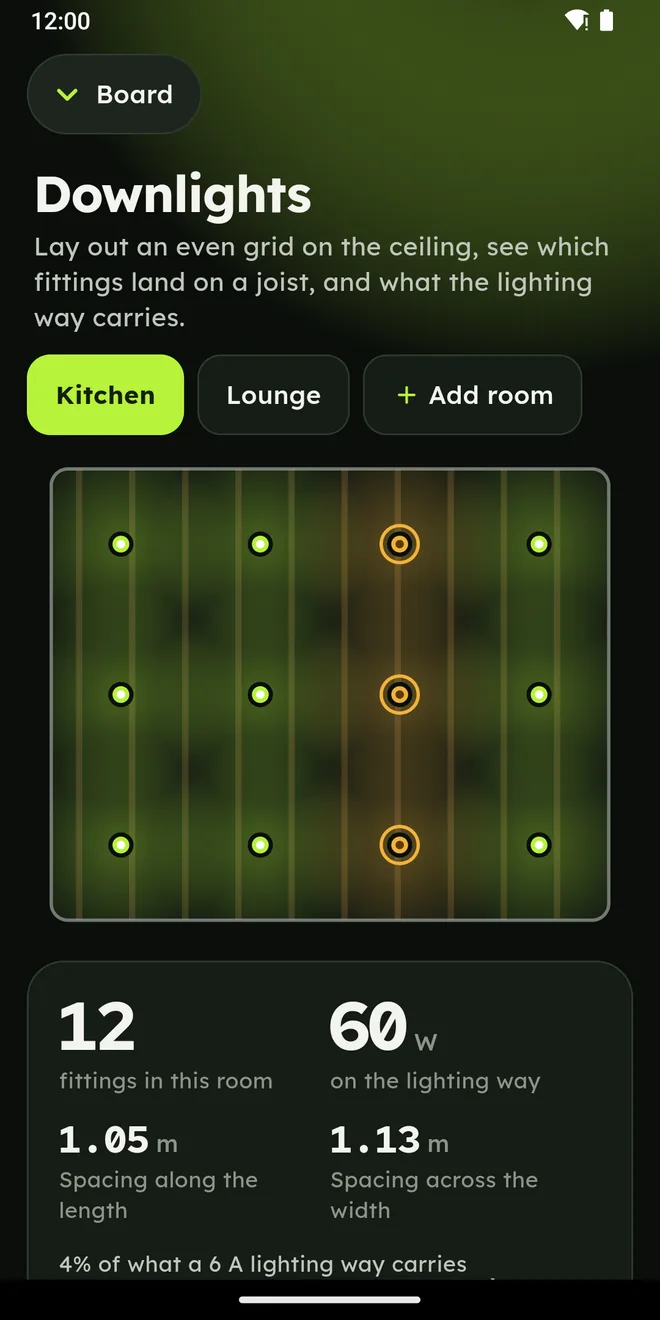
Downlights
An even grid of fittings laid across a ceiling, checked against the joists, with the total watts the lighting way will carry.
-
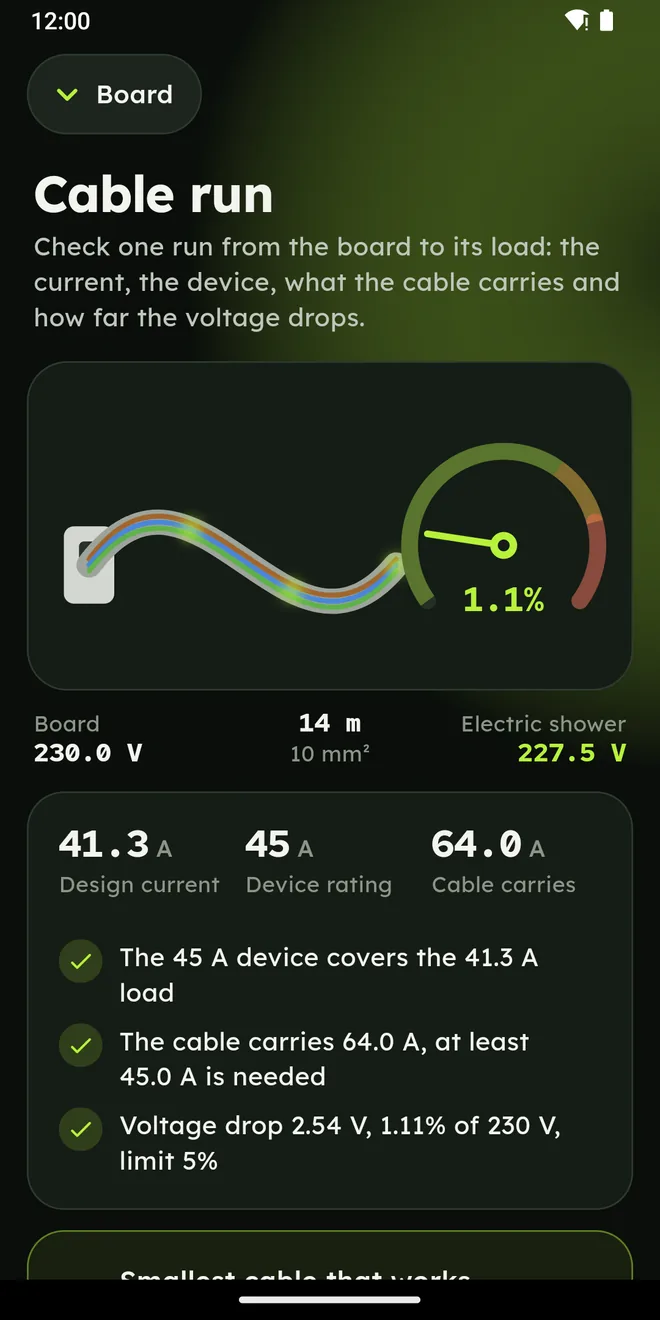
Cable run
Design current, the protective device, the cable's capacity for its installation method, and the voltage drop over the route.
-
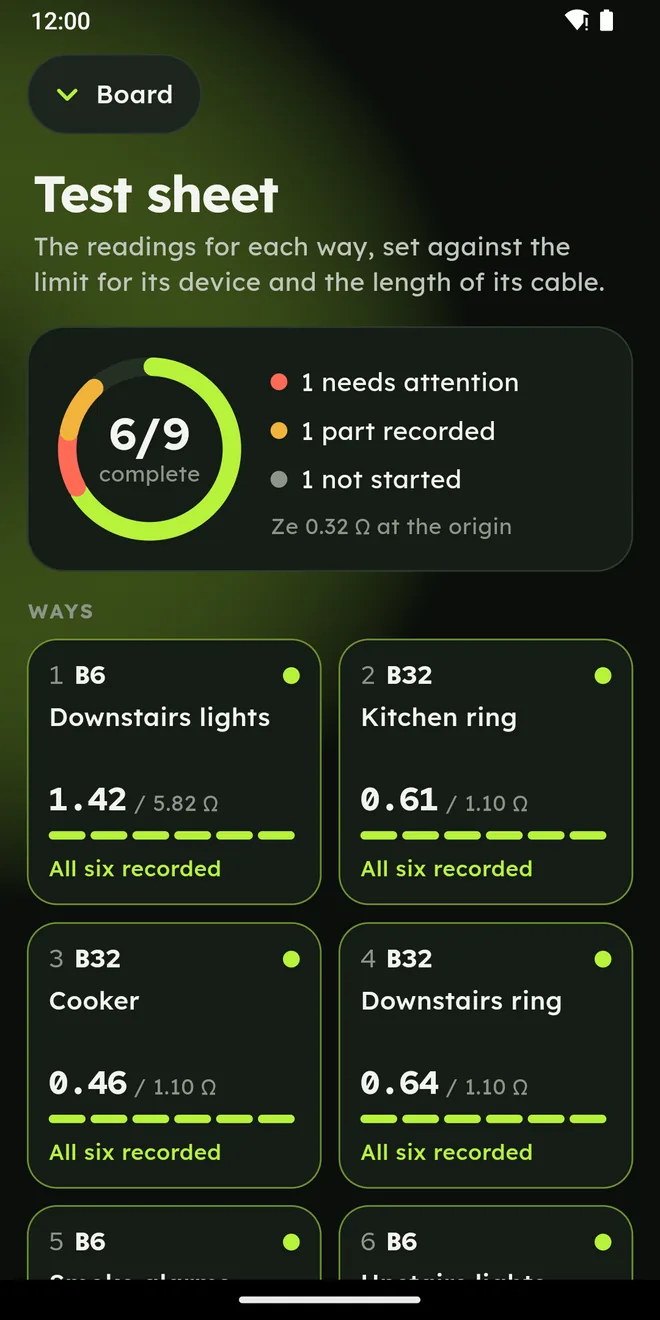
Test sheet
Continuity, insulation resistance, polarity, earth fault loop impedance and RCD trip time, entered circuit by circuit against the limit for its device.
-
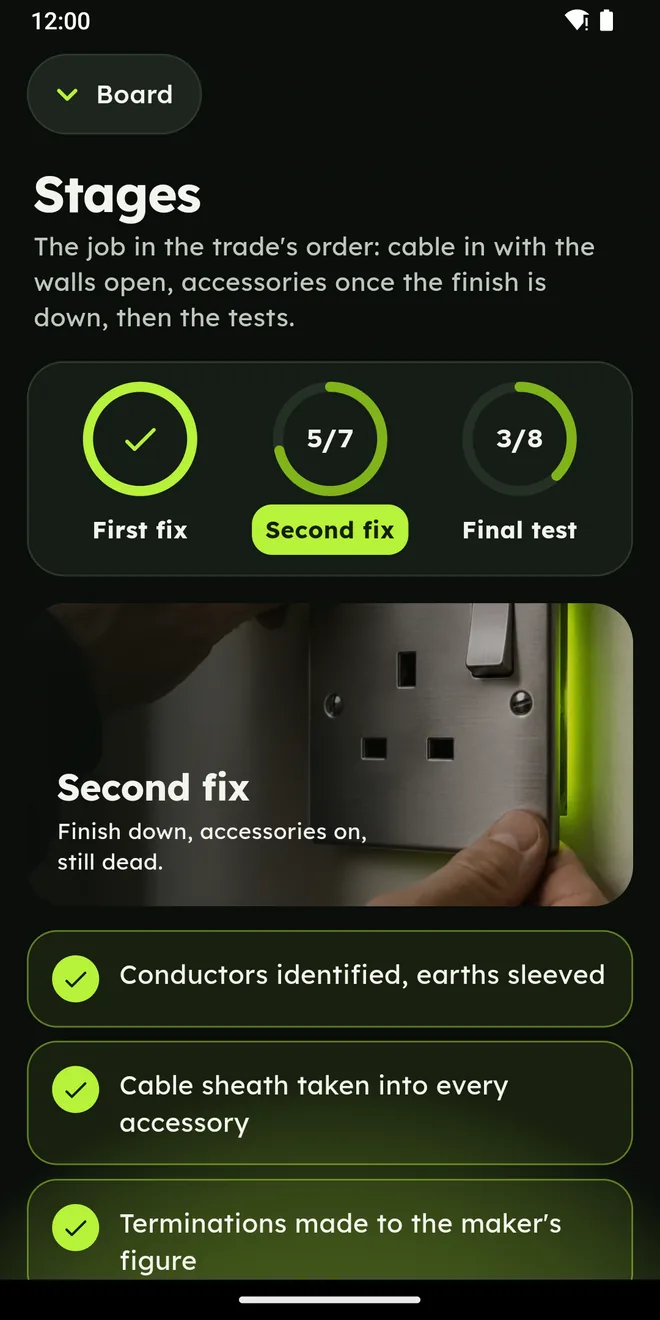
Stages
Checklists for first fix, second fix and the final test, ticked off as the job moves from one to the next.
What it looks like on the phone
Jobs stay on the phone
Several jobs, side by side
A job holds its own circuits, walls, ceilings, runs, test figures and checklists. Several can be kept at once and switched between, so the house on Monday and the flat on Thursday do not share a page.
No account to open
The app opens straight onto its home screen. Everything typed into it is saved in the phone's own storage and stays there; deleting the app, or clearing its storage, removes it.
Planning figures
The app works out planning figures for the person doing the work. The certificate for an installation is a separate document, issued by whoever carried out and tested it.
How the app handles what is typed into it is set out in its privacy policy. Questions about the app go to projects@mykin.digital.